AI SEO: How to Get Found in ChatGPT and Google’s AI Answers
AI SEO is the work of getting your business mentioned and linked when people ask an AI tool instead of scrolling a list of results: Google’s AI Overviews and AI Mode, ChatGPT, Gemini and others. You’ll also see it called GEO (generative engine optimisation) or AEO. The good news for small businesses is that Google and OpenAI have both published what they look for, and most of it is work you should already be doing.
The short version
- AI SEO is still SEO. Google says so directly: its AI answers are built on the same search index.
- No special files or markup are needed. Google says it ignores llms.txt and similar “AI files”.
- Be crawlable. If Google can’t index a page, or you block ChatGPT’s search crawler, you can’t be cited.
- Original, first-hand content wins. Google calls this the most important factor in the long run.
- Local details matter. Keep your Google Business Profile, reviews and listings accurate.
What AI SEO means
When someone asks an AI tool “who’s a good family lawyer in Frankston?” it writes an answer and usually shows the sources it drew on. AI SEO is about being one of those sources, or better, being the business it names.
Interest is growing quickly. These are monthly searches in Australia:
What Australians search about AI and SEO (monthly)
Semrush estimates, Australian database, November 2026.
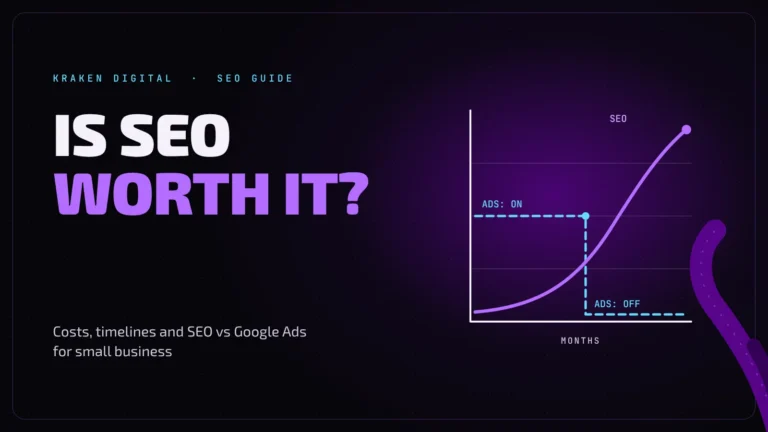
Notice how few people search “is SEO dead” compared with “AI SEO”. Most business owners aren’t asking whether to stop. They’re asking what to change. If you’re still weighing up SEO at all, start with is SEO worth it?
How AI answers choose their sources
Google: AI Overviews and AI Mode
Google’s AI features sit on top of its normal search index. To be shown as a supporting link, a page needs to be indexed and eligible to appear in Search with a snippet. Google says there are no additional technical requirements.
Google also describes a technique it calls query fan-out: for one question, the AI runs several related searches at once and pulls from a wider set of pages. In practice that means a specific page that answers one part of a question well, such as your pricing or your service area, can be cited even if you don’t rank first for the main search.
ChatGPT search
OpenAI says any public website can appear in ChatGPT search, as long as its search crawler, OAI-SearchBot, isn’t blocked. That crawler is separate from GPTBot, which collects content that may be used to train OpenAI’s models. Each one follows its own rule in your robots.txt file, so you can allow search and still opt out of training if you want to.
What you don’t need to do
A lot of “AI optimisation” being sold right now is not something Google asks for. Its own guide lists these as unnecessary:
| What you may be sold | What Google says |
|---|---|
| An llms.txt or other “AI file” | Not needed. Google Search ignores these files. |
| Special AI schema or markup | Not needed. Use normal structured data where it fits, and make sure it matches what’s visible on the page. |
| “Chunking” content for AI | Not needed. Write clearly for people. |
| Rewriting everything “for AI” | Not needed. Helpful content written for your customers is what its systems look for. |
None of these will hurt you. They just aren’t where the results come from, so don’t pay extra for them.
Seven things that do help
1. Make sure your pages can be crawled and indexed
This is the entry ticket. Check in Google Search Console that your important pages are indexed, and that nothing in your robots.txt or security settings is blocking Googlebot.
2. Don’t block AI search crawlers by accident
Some security plugins and hosts block “AI bots” in bulk. If OAI-SearchBot is blocked, OpenAI says your site won’t appear in ChatGPT search answers. Decide on purpose: allow the search crawler, and block the training crawler only if that matters to you.
3. Publish what only you can say
Google calls valuable, non-commodity content the most important factor over time. For a local business that means your own jobs, photos, prices, process and opinions. A page any competitor could have written gives an AI no reason to cite you in particular.
4. Answer real questions plainly
AI tools are answering questions, so pages that state clear answers are easy to draw on. Say what you do, where, for whom, roughly what it costs and how long it takes. A short FAQ on each service page helps people and machines alike.
5. Keep your business details accurate everywhere
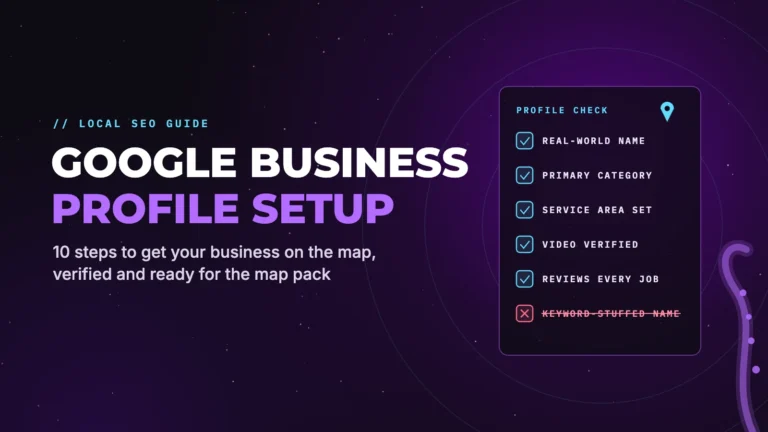
Google names Business Profile as a way local businesses show up in its AI responses. Keep your name, address or service area, phone, hours and services current, and keep the same details on your website and other listings. Our Google Business Profile setup guide walks through it.
6. Use real images and video
Google’s guidance says good images and video count, and its AI features can show them. Photos of your own work with clear descriptions do more than stock images.
7. Earn trust signals
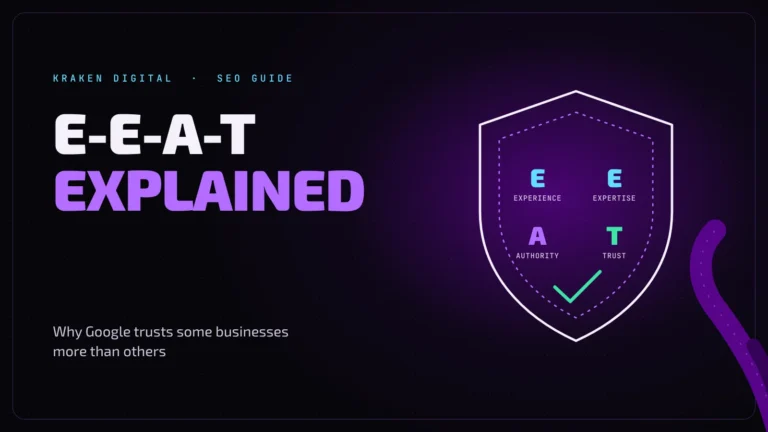
Reviews, named people, qualifications and mentions on other reputable sites help an AI, and a customer, decide you’re a safe recommendation. See E-E-A-T explained and score your site with the website trust checklist.
What not to do
- Don’t mass-produce pages for every variation of a question. Google says creating pages at scale to manipulate AI answers breaks its spam policy on scaled content abuse.
- Don’t hide text or instructions for AI. Content written for machines and not for visitors is the opposite of what’s being rewarded.
- Don’t block everything out of caution. Blocking all AI crawlers removes you from AI search too.
- Don’t stop doing ordinary SEO. It’s the foundation the AI features are built on.
How to measure it
- Google Search Console: traffic from AI Overviews and AI Mode is counted in the Performance report with your other search clicks.
- Google Analytics: ChatGPT adds
utm_source=chatgpt.comto the links it sends, so you can see those visits as a source. - Ask the tools yourself: once a month, ask ChatGPT, Gemini and Google the questions your customers ask, and note who gets named.
- Rank trackers: some SEO tools now track whether a business is mentioned in AI answers for chosen prompts.
Google also says clicks from AI Overviews tend to be higher quality, meaning those visitors spend longer on the site. Treat that as Google’s claim, and check your own numbers.
Sonar check · 10 minutes on AI visibility
- Ask ChatGPT and Google’s AI: “best [your service] in [your suburb]”. Are you named?
- Is your Google Business Profile complete and current?
- Does your robots.txt block OAI-SearchBot or Googlebot?
- Does each service page say what, where, how much and how long?
- Do you have recent reviews, and real photos of your work?
Free · no obligation
Want to know if AI tools can find you?
We’ll check how your site is crawled, indexed and described, and what to fix first.
AI SEO: FAQs
What is AI SEO?
AI SEO is the work of getting your business cited or recommended in AI-generated answers, such as Google’s AI Overviews and AI Mode, ChatGPT and Gemini. It is also called generative engine optimisation (GEO) or answer engine optimisation (AEO).
Is GEO different from SEO?
Not really. Google describes optimising for its generative AI features as still SEO, because those features are built on its normal search index. The same foundations apply: crawlable pages, original helpful content and accurate business details.
Do I need an llms.txt file?
No. Google says its Search systems ignore llms.txt and similar AI files, and that no special files or markup are needed to appear in its AI features. Having one does no harm, but don’t expect it to change your visibility on Google.
How do I get my business recommended by ChatGPT?
Make sure OpenAI’s search crawler, OAI-SearchBot, isn’t blocked, then give it clear, specific pages about what you do and where. Reviews, accurate listings and mentions on other reputable sites give it more reasons to name you. There is no way to guarantee a mention.
Should I block AI crawlers?
It depends which ones. Blocking an AI search crawler removes you from that tool’s search answers. Blocking a training crawler such as GPTBot only opts your content out of model training. They are controlled separately in robots.txt.
How do I track traffic from AI search?
Google includes AI Overviews and AI Mode traffic in the Search Console Performance report. Visits from ChatGPT arrive tagged with utm_source=chatgpt.com, which shows up in Google Analytics.
Sources
- Google Search Central: Optimizing your website for generative AI features on Google Search
- Google Search Central: AI features and your website
- OpenAI: Overview of OpenAI crawlers
- OpenAI Help Center: Publishers and developers FAQ
- Semrush keyword data (Australia), November 2026
Checked November 2026. Rules and prices change, so confirm details with the source before you act.
// keep diving